
Know what matters
See money movement, upcoming schedule, and wellness basics in one personal overview — so attention goes where it counts today.
Your personal operating system for life
LifesOS brings your money, schedule, nutrition, places, and optional AI assistance into one simple personal operating system.
Web app available now · Android early access · iOS coming soon
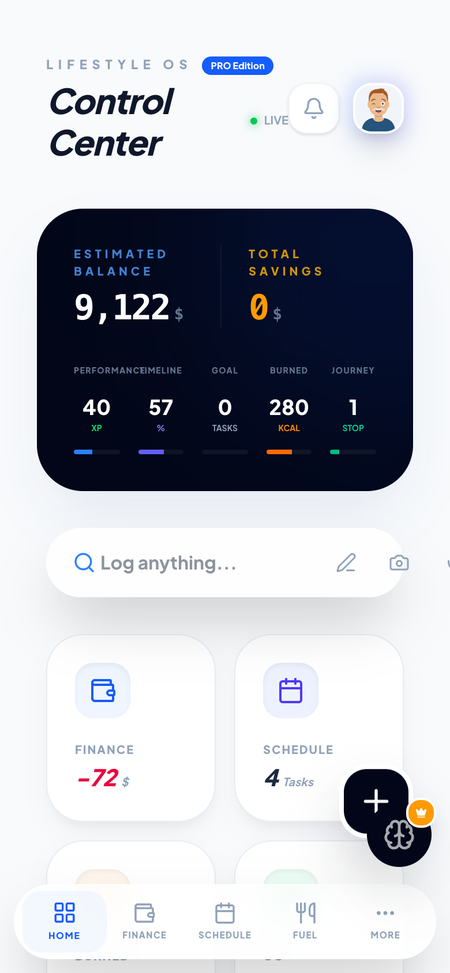
Your spending lives in one place. Your calendar in another. Meal notes disappear. AI waits for you to explain your whole context.
LifesOS brings them together — so daily life has one calm system.
Core value
See money movement, upcoming schedule, and wellness basics in one personal overview — so attention goes where it counts today.
Capture transactions, events, meals, and places as structured records you can revisit — not scattered scraps.
Optional AI assist can parse text or photos into entries and answer questions using context you choose to share.
How it works
A short loop for everyday life — not a corporate workflow.
Log spending, schedule events, meals, and places — manually or with optional AI parsing when you're signed in.
Keep finance, schedule, nutrition, and places in dedicated modules that stay connected to your home overview.
Use Insights and your daily view to adjust habits, budgets, and plans with clearer signal — less tab chaos.
Product
These are the features shipping in LifesOS today — shown with the real interface.
A calm personal dashboard for the day — not a SaaS control panel.
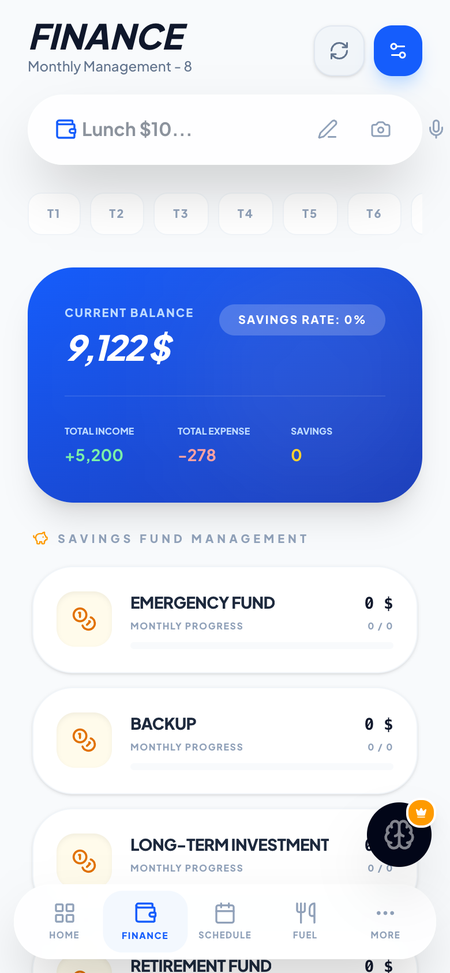
Track personal transactions and simple budgeting so money decisions stay grounded.
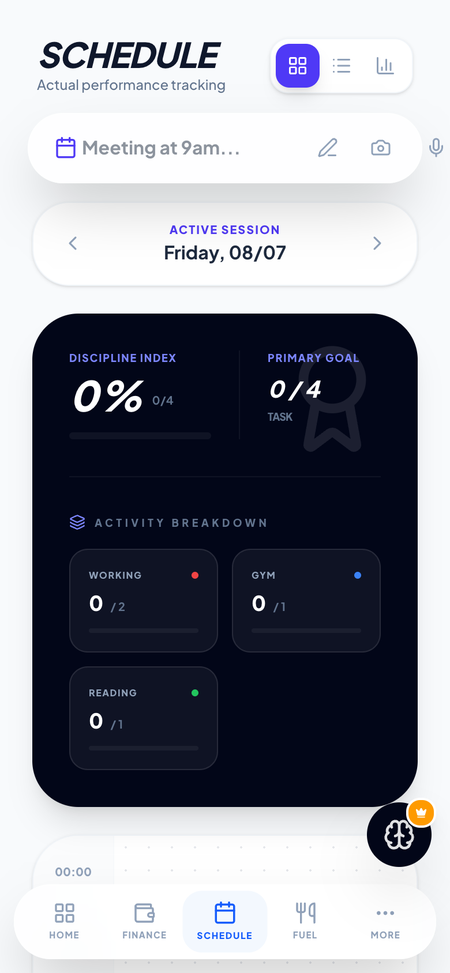
Plan events and reminders you create — your calendar context, kept personal.
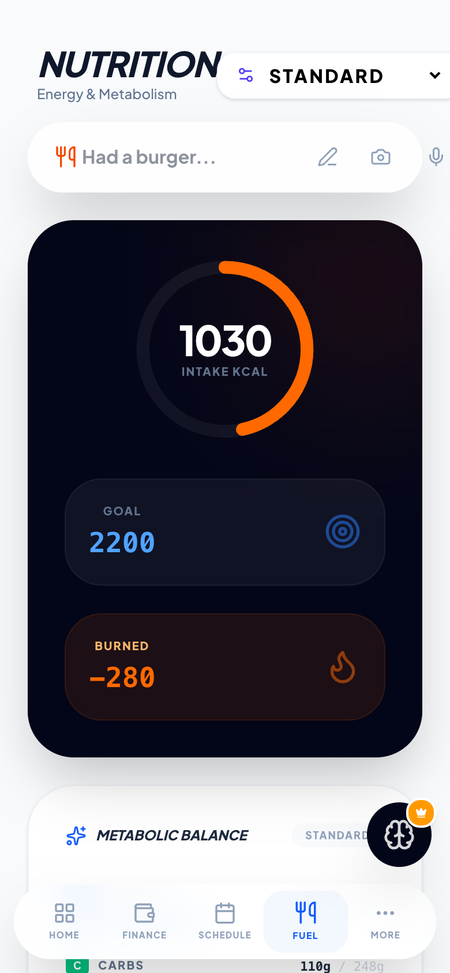
Log meals and basic wellness metrics you enter — practical notes, not a medical device.
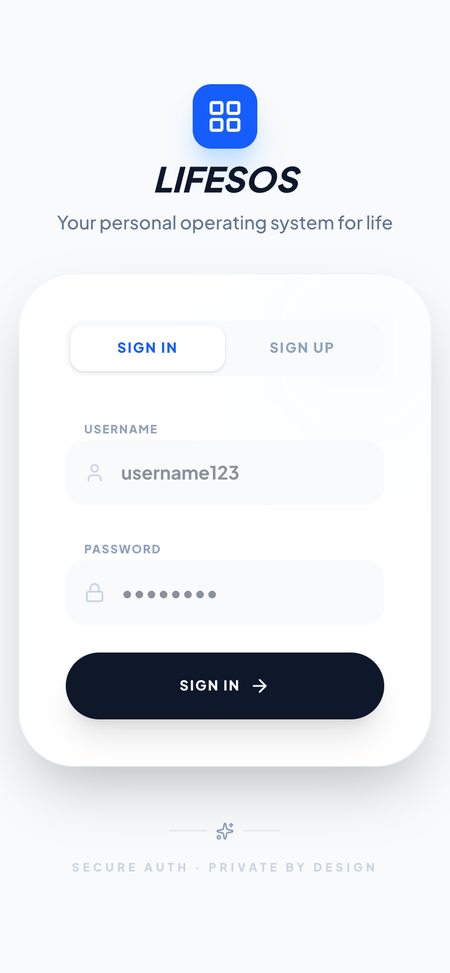
Create an account to keep your personal system available across web and Android testing builds.
AI assist
When you're signed in, optional AI assist can help organize inputs, summarize what you share, and suggest next steps — using the context you provide in the request.
We don't claim AI “knows everything about your life.” You control what you send.
Privacy
LifesOS uses account data to sign you in, stores the records you create, and may send AI inputs you submit to a third-party model provider to fulfill that request.
Platforms
Open the LifesOS web app in your browser — available now.
Closed testing / early access while we prepare a wider Play release. Not presented as a public Play store download yet.
iOS build work is in progress. Public App Store release is coming soon — no store badge until it's live.
FAQ
LifesOS is a personal operating system for everyday life — finance, schedule, nutrition, places, insights, and optional AI assist in one calm app.
Adults who want a practical personal system — not a social network, not a bank, and not a medical device.
You can create an account and use the core personal modules. Optional Pro status may appear in the product; contact support if you have billing questions.
On the web today, Android via early access / closed testing, and iOS coming soon.
Yes — optional AI assist for parsing and chat when you're signed in. Core modules work without it.
To provide the features you use, secure your account, and process AI requests you initiate. See the Privacy Policy for details.
Yes. In the app: Settings → Danger zone → Delete account. Or follow account deletion instructions.
Not publicly yet. iOS is coming soon.
Start on the web, or join Android early access while we expand platforms.